
This is an old revision of the document!
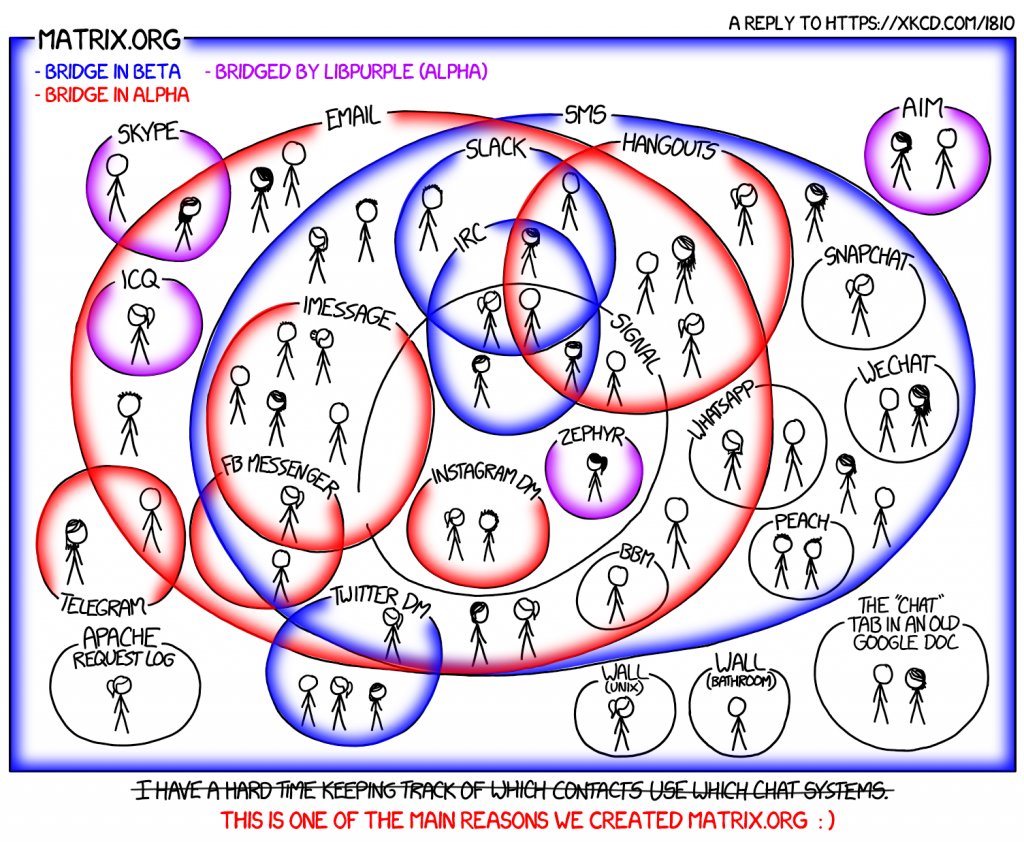 Matrix is an open source, decentralised, modern and secure instant messaging protocol that allows you to connect to hacklab's instant messaging channels as well as many other platforms via so-called Bridges. In simple terms, the Matrix server is connected to a web browser or a separate client program. There are several different of them. One of the most used clients is Element. The Element application is available for most platforms and operating systems, so we recommend using it for beginners.
The Hacklab.fi umbrella organization maintains the Matrix server, which you can log in to with your member register credentials (SSO/Keycloak).
You can find more information about Matrix in Suomi language at here.
Hacklab.fi Matrix user ID implementation
When you become a member of Tampere Hacklab ry, a membership ID will be created for you in the member register. With this ID you can log in to most of the services offered by the association, as well as to the hacklab.fi matrix server. The technology behind it is called single sign-on (aka. single sign on for short. SSO) and Keycloak. You may come across these terms when logging in.

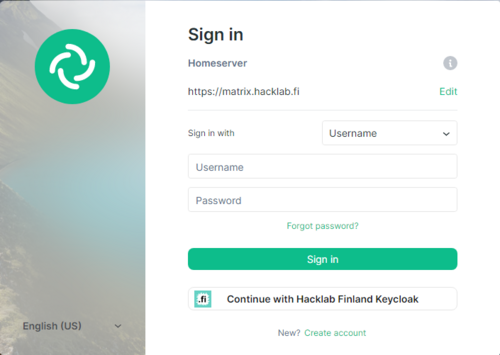
Above is an example of a single sign-on window.
Element for Mobile devices
- Install the Element app. Please note that you do not need to create a new account during installation !



- Configure Element by pressing the button

- Check that the server is changed to hacklab.fi (NOT matrix.org which is the default)
- Scroll to the bottom of the login window and select Hacklab SSO login
 \\
\\ - Select Tampere and log in with your member registration ID.
- Logging in requires a token. Click here to log in to the Wiki and view your registration token.
Desktop browser
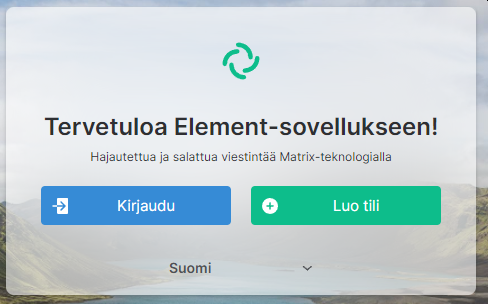 | 1. In your browser, go to https://chat.hacklab.fi/ 2. Log in |
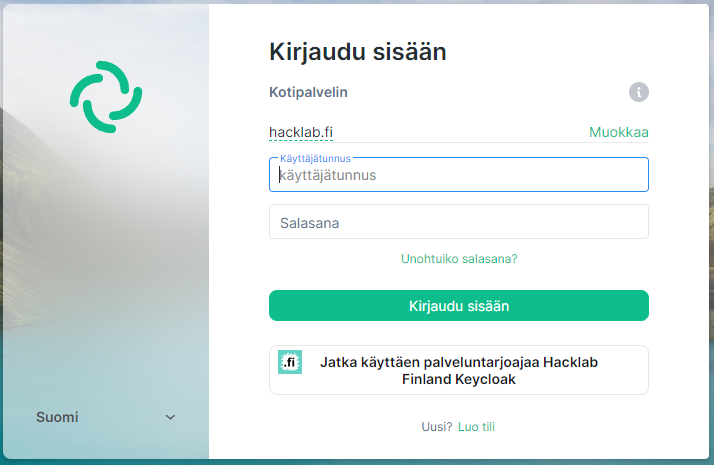 | 3. Continue using the service provider hacklab finland keycloak |
 | 4. Tampere |
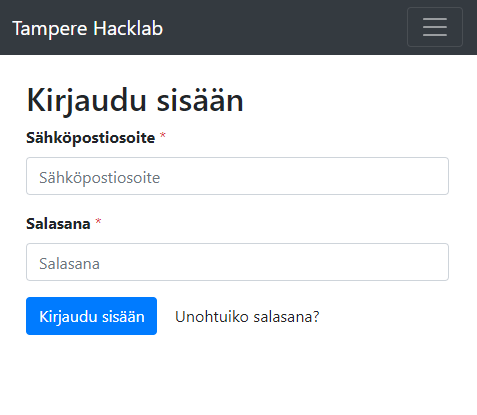 | 5. Log in to the service using your member registration mulysa ID 6. Start messaging in the channels |
Mobile Browser – Mobile Browser
NOTE! Don't do it. But, if you do.
Element Desktop app
Below are instructions for setting up device-specific Element applications and logging into the hacklab.fi matrix server.
Element desktop app – Desktop
- Download and install the Element app https://element.io/get-started#download
- Open the app
- Click the “Sign in” button.
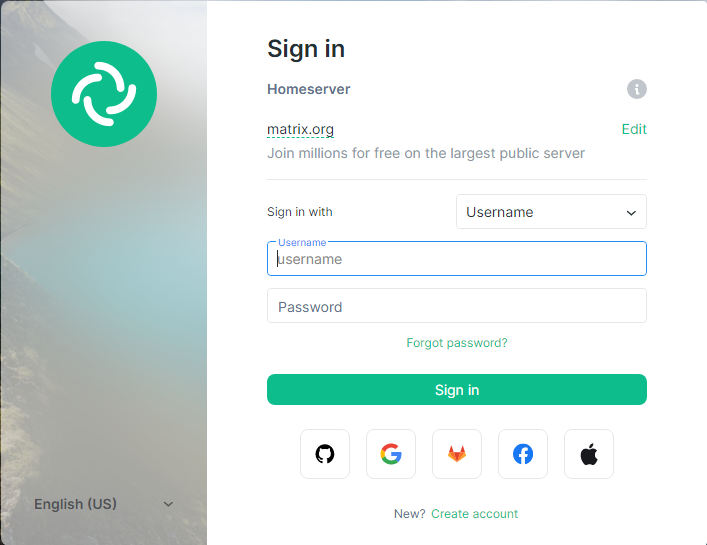
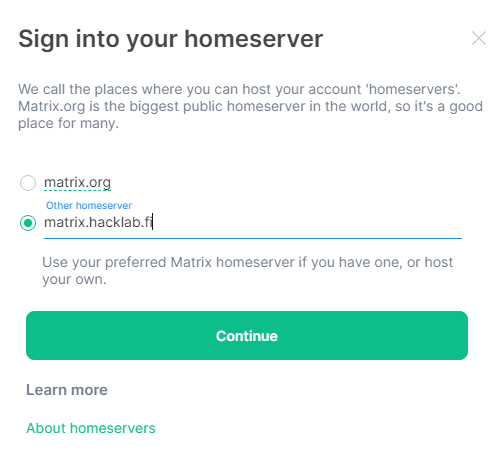
- Edit the home server address by clicking “Edit”
- Select and enter the server address in the “Other homeserver” field hacklab.fi
- Click the “Continue” button.
- Enter your existing hacklab.fi credentials or log in with your membership register credentials by clicking the “Continue using the service provider Hacklab Finland Keycloak”/“Sign in with Hacklab Finland Keycloak” button.
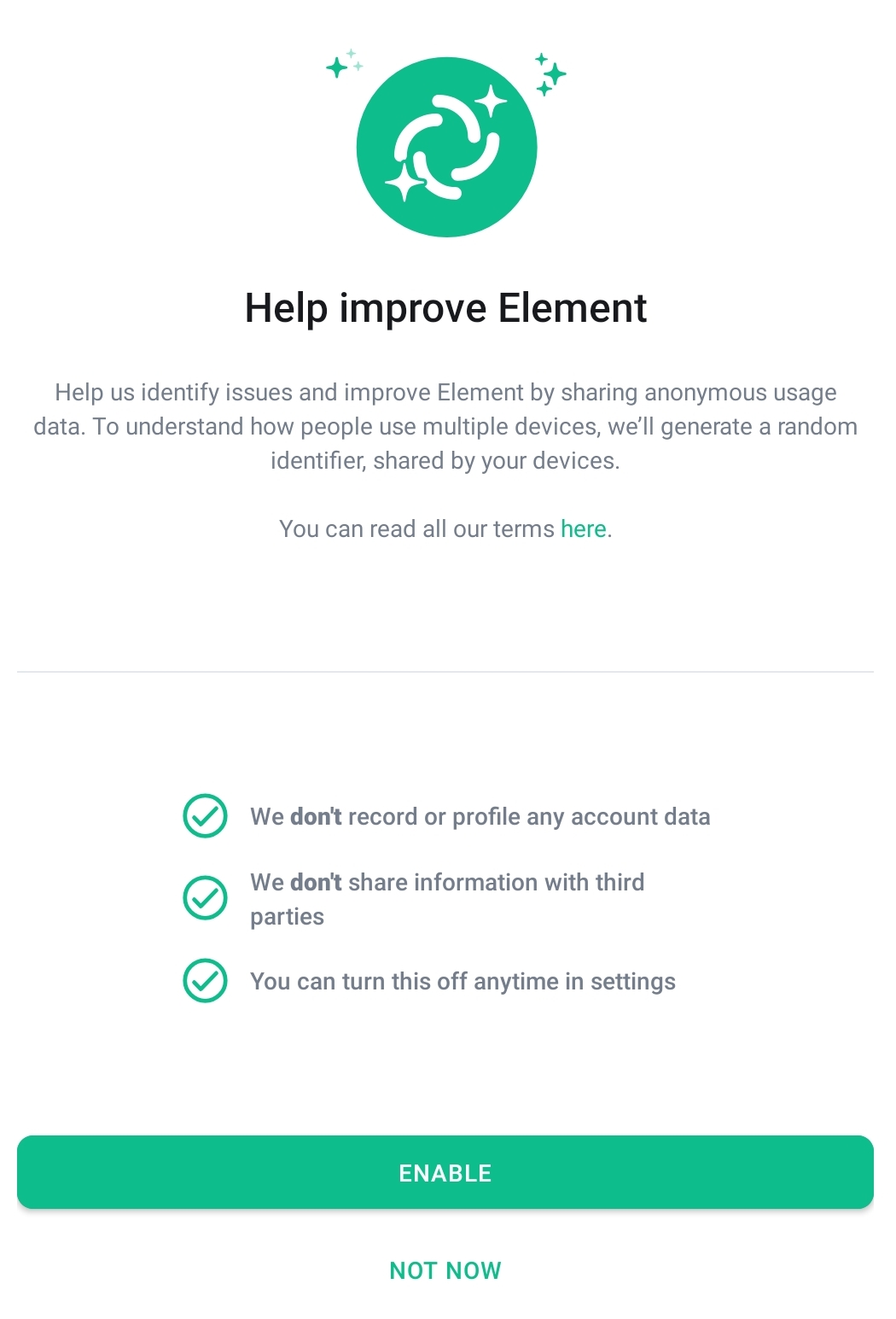
- Help developers by activating reporting
- Join Tampere Hacklab-avaruuteen, below which you will find the lab's channels.
- Join and start communicating in the channels.
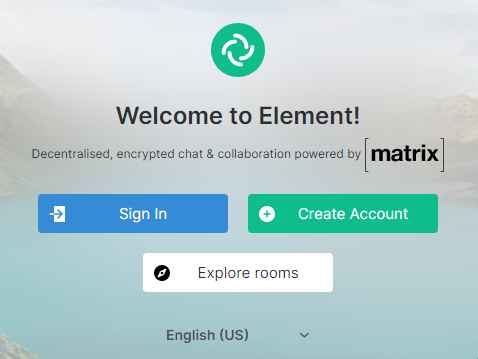

Element mobile app – Mobile
- Download and install the Element app https://element.io/get-started#download
- Open the app
- Click the “I already have an account” button
- Click on select server “other”
- Enter the server address hacklab.fi
- Click the “Continue” button.
- Enter your existing hacklab.fi credentials or log in with your membership registration credentials “Sign in with Hacklab Finland Keycloak”.
- Help developers by activating reporting
- Join Tampere Hacklab-avaruuteen, below which you will find the lab's channels.
- Join and start messaging in the channels.
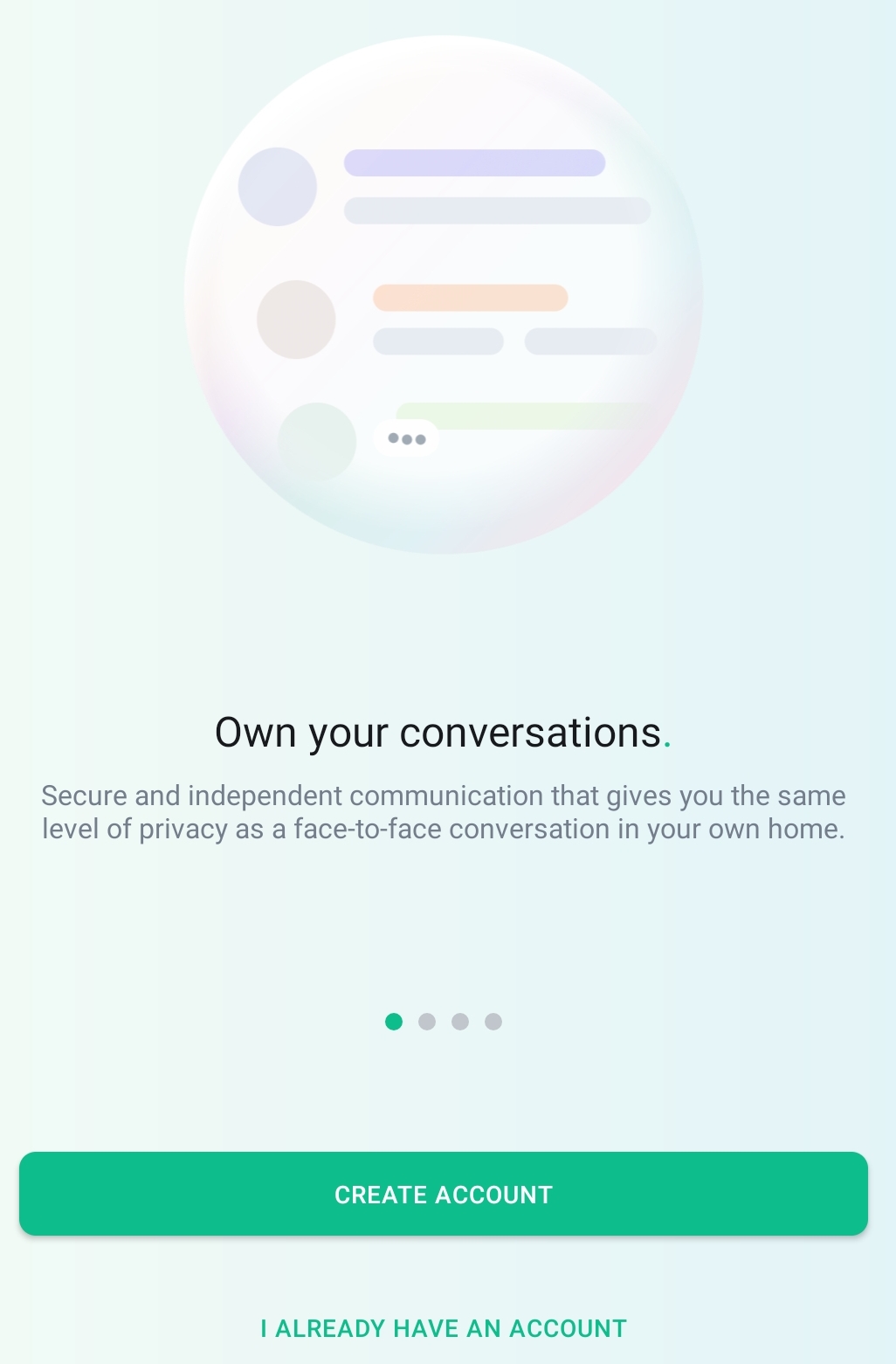
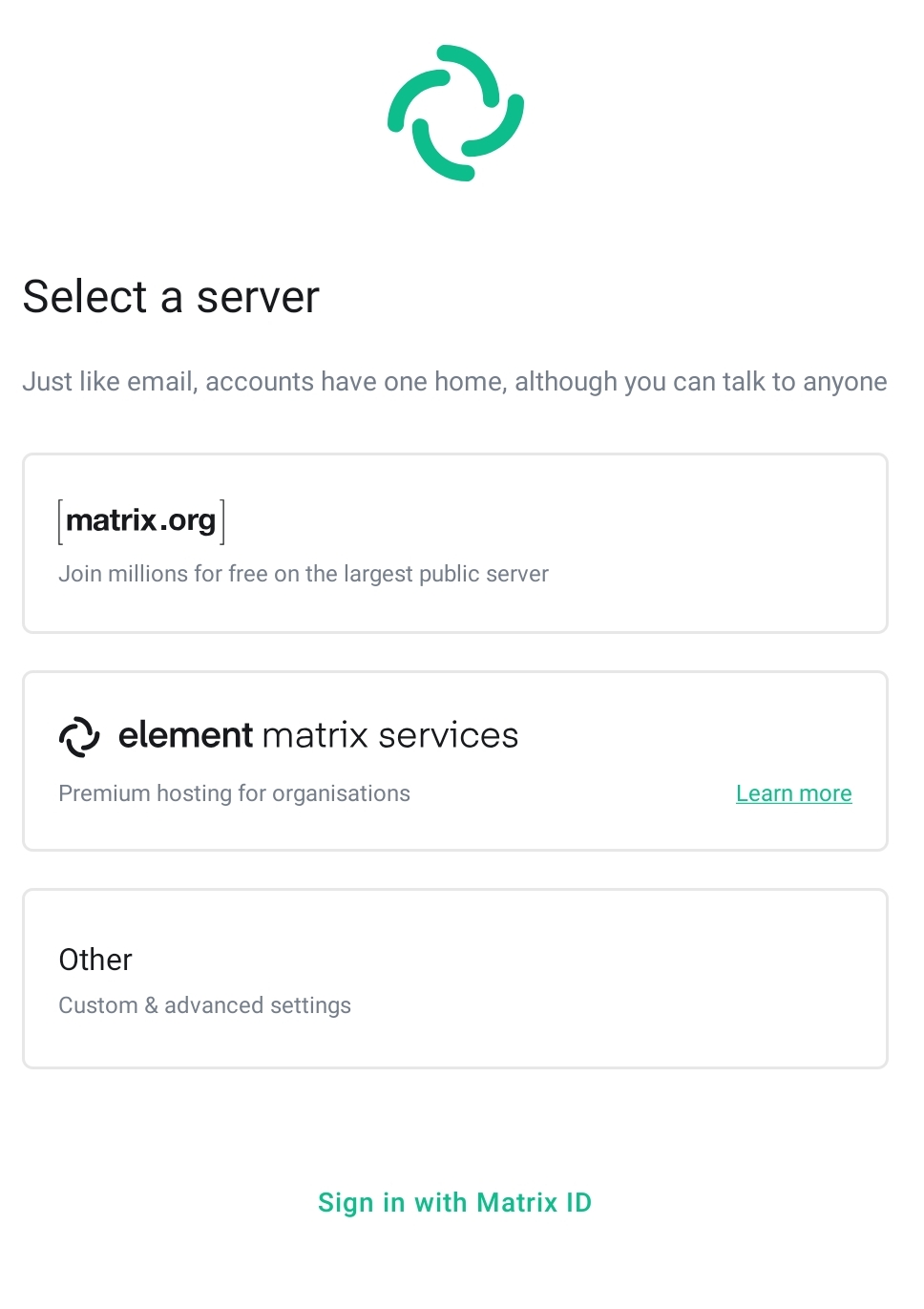
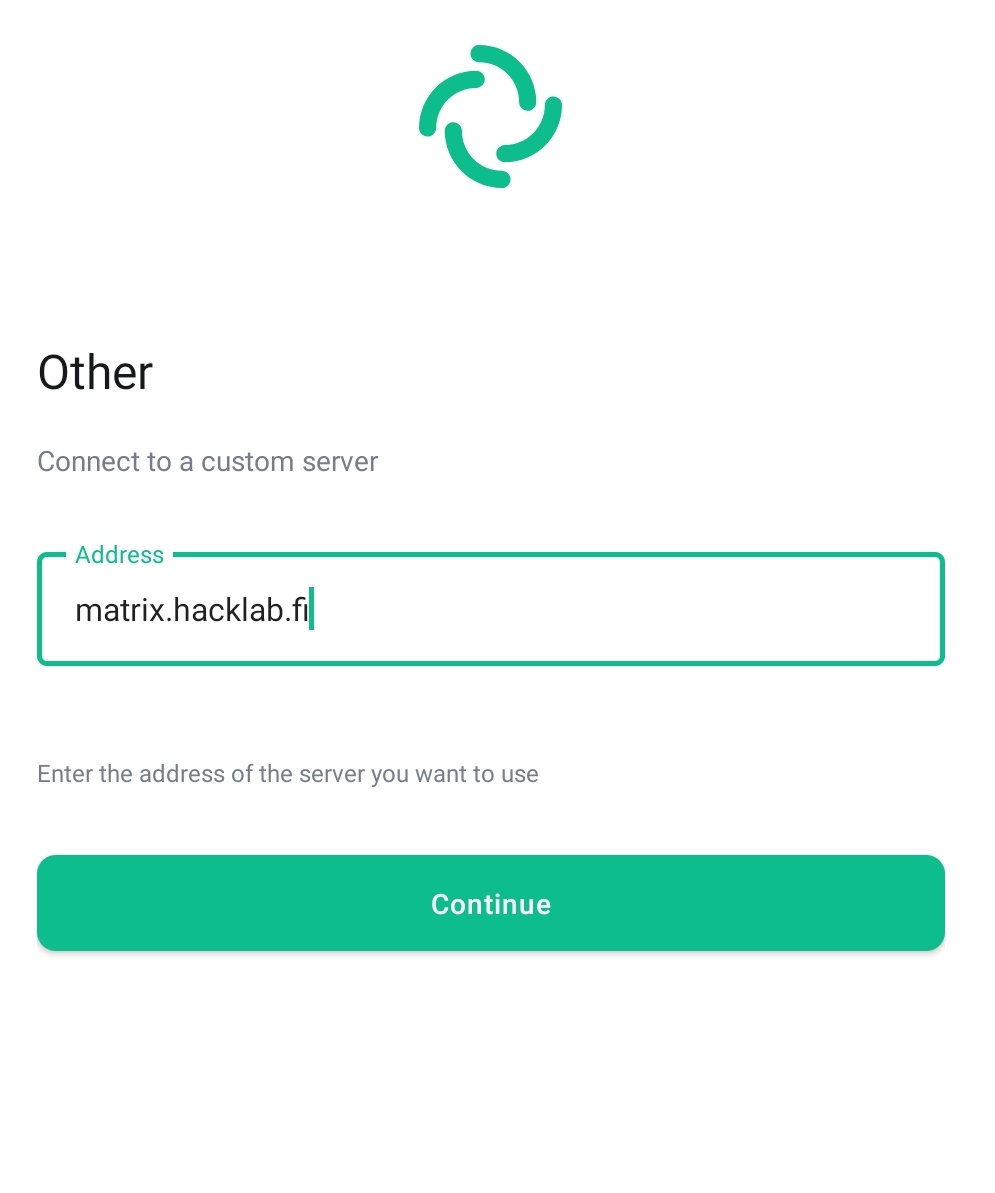
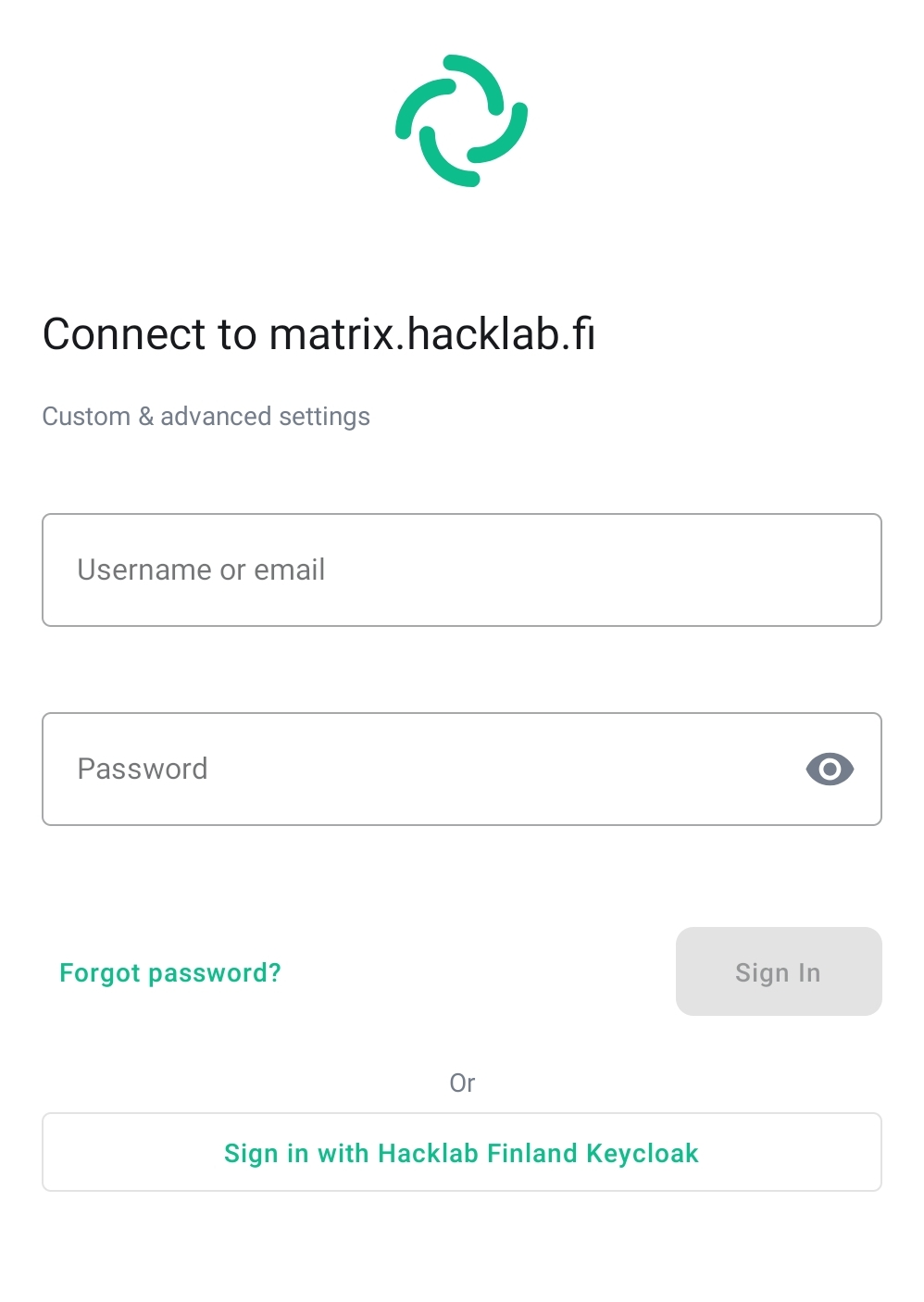
More detailed instructions
Setting up a new hacklab.fi account (advanced users)
NOTE! As a member of Tampere Hacklab ry, you have automatically been given a member register ID. You can use the member register ID to log in to the hacklab.fi matrix server. To get started go to - quick info. Täällä ohjeet special cases.
Alternative Matrix ID
If you wish, you can use any matrix server credentials when joining hacklab's instant messaging channels. However, it is recommended to use the @tunnus:hacklab.fi credentials from the member registry (single sign-on, SSO/Keycloak).
= Hacklab.fi matrix Bridges = With bridges, Matrix users can reach other instant messaging platforms such as IRC , Telegram, Whatsapp, Facebook messenger, Signal, SMS, Slack and Discord. More information on bridges.
Tampere Hacklab channels
Wiki page: Instant messaging channels
More Finnish-language channels on various topics have been collected in this space.
Matrix customers
It is worth downloading the Element app for smartphones:
On a computer, you can use element.io browser or desktop versions.
There are many other Matrix apps to suit all tastes. Here is a list of well-known Matrix apps.